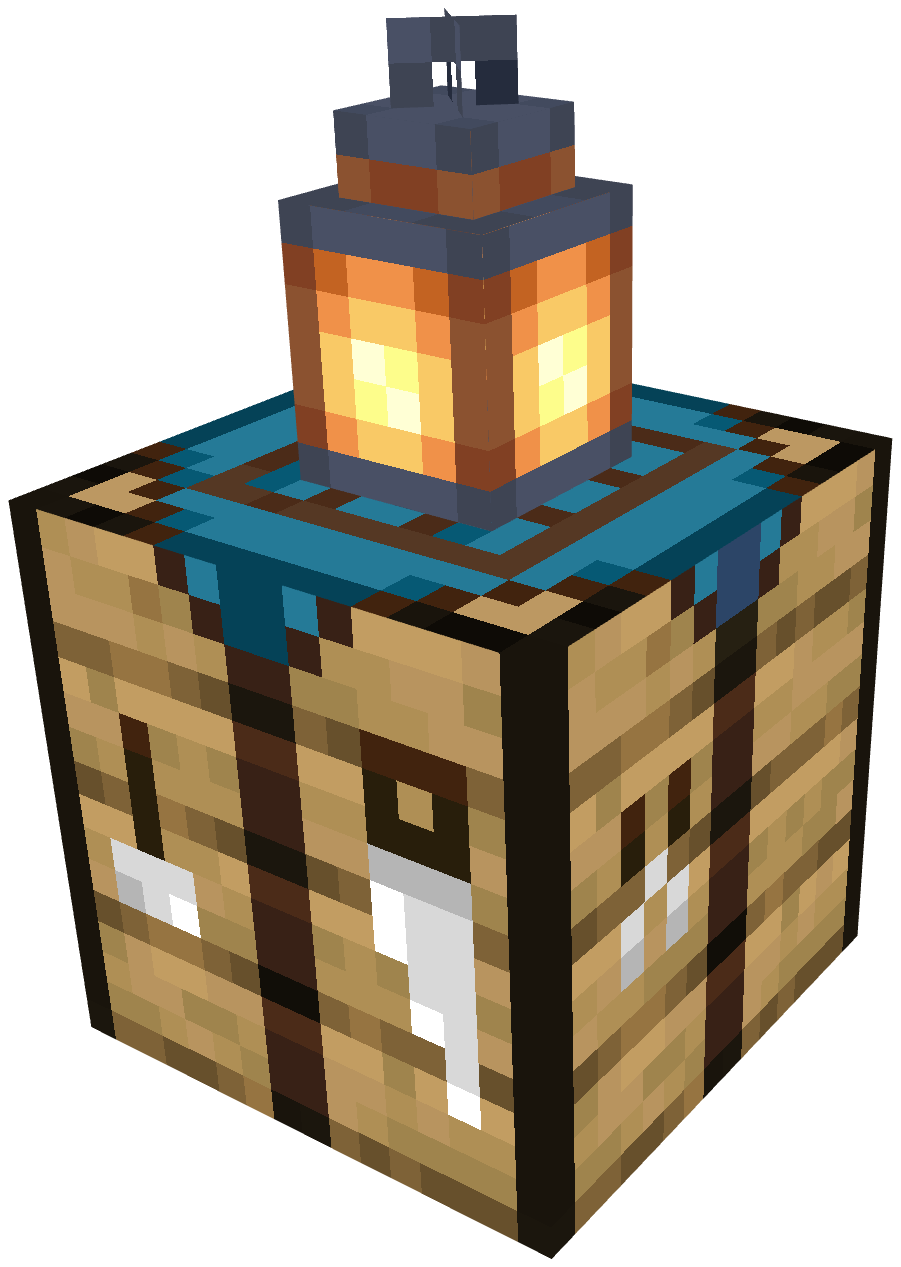
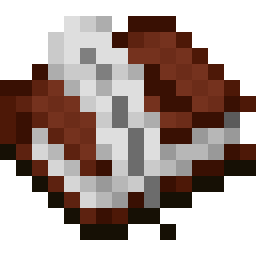
Right-click with a blueprint to place its projection. Once placed, the construction box appears in front of it. Fill it with the required materials and choose Quick Build.
01 / BlueprintOrganization
Nine ideas. One inventory slot.
Add your blueprints to the Blueprint Book. Preview their contents and select the one you want without filling your inventory with separate plans.
02 / Blueprint BookPlanning
The landscape is your starting point.
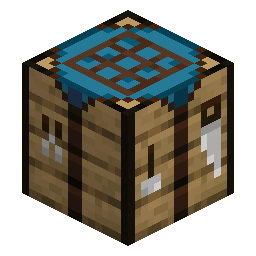
The Master Construction Table sets up a creative space in your current world and location. Design around the terrain, then keep the resulting blueprint in the table.
03 / Master Construction TableCapture
Made something worth keeping?
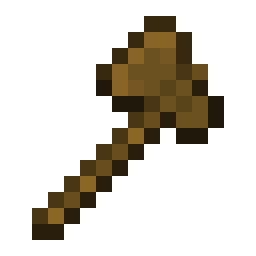
Mark the two corners of your build with the Creative Axe. The blocks in the selected region become a blueprint you can use again.
04 / Creative Axe
Before you build07 / 07
A few questions.
What is Printoria?
A Minecraft building mod by Creepersteps and SkyVessel. Create or capture a build as a blueprint, place its projection in your world, and construct it with the materials you collect.
Do I still need to collect materials?
Yes. Put all required materials into the construction box before selecting Quick Build. The blueprint is your plan; your gathered resources make it real.
Does creative mode share my inventory?
No. Printoria provides temporary creative mode with a separate inventory state for the creative space.
Can I plan around existing terrain?
Yes. The Master Construction Table creates a creative space at your current world location, so you can plan around complex terrain such as cliffs and deep pits.
How many blueprints fit in a book?
Up to nine blueprints in one inventory slot. The Blueprint Book also gives you live previews of their contents.
Which mod loaders does it support?
Printoria is described for NeoForge and Fabric. Minecraft version numbers and a download link have not been listed on this site yet.